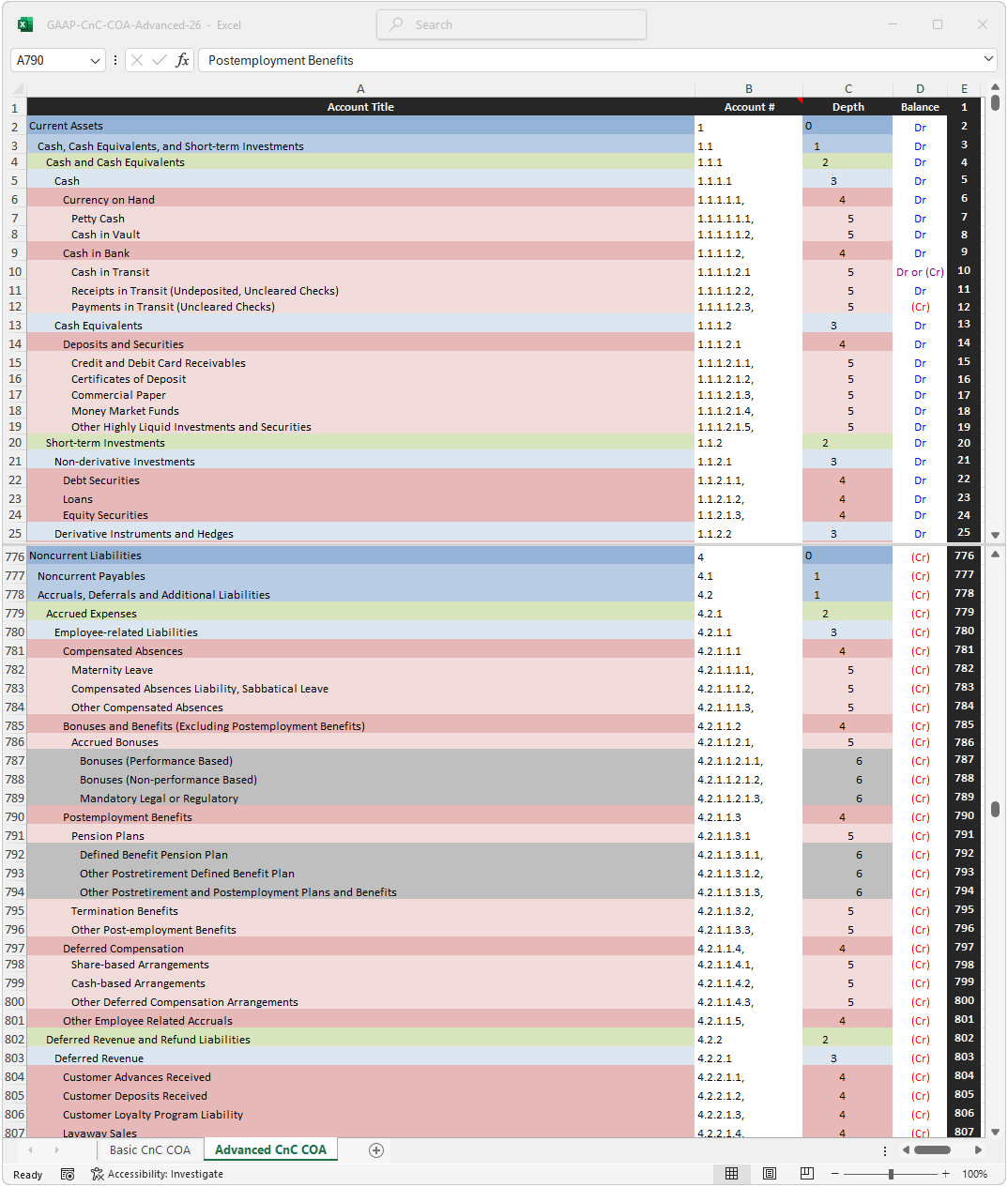
This COA reflects GAAP guidance in a current non-current format.
As discussed in more detail on the implementation page, a current/non-current format COA is impractical.
Nevertheless, as GAAP requires a current/non-current format balances sheet, aligning the COA to the fanatical report is relatively common in practice.
To reflect this practice, this page includes a current/non-current COA even though it does not recommend its use.
Note: as GAAP does not provide any guidance on the structure of a COA, an order of liquidity structure (used on all the above COAs) may be used for GAAP purposes without violating any guidance.